





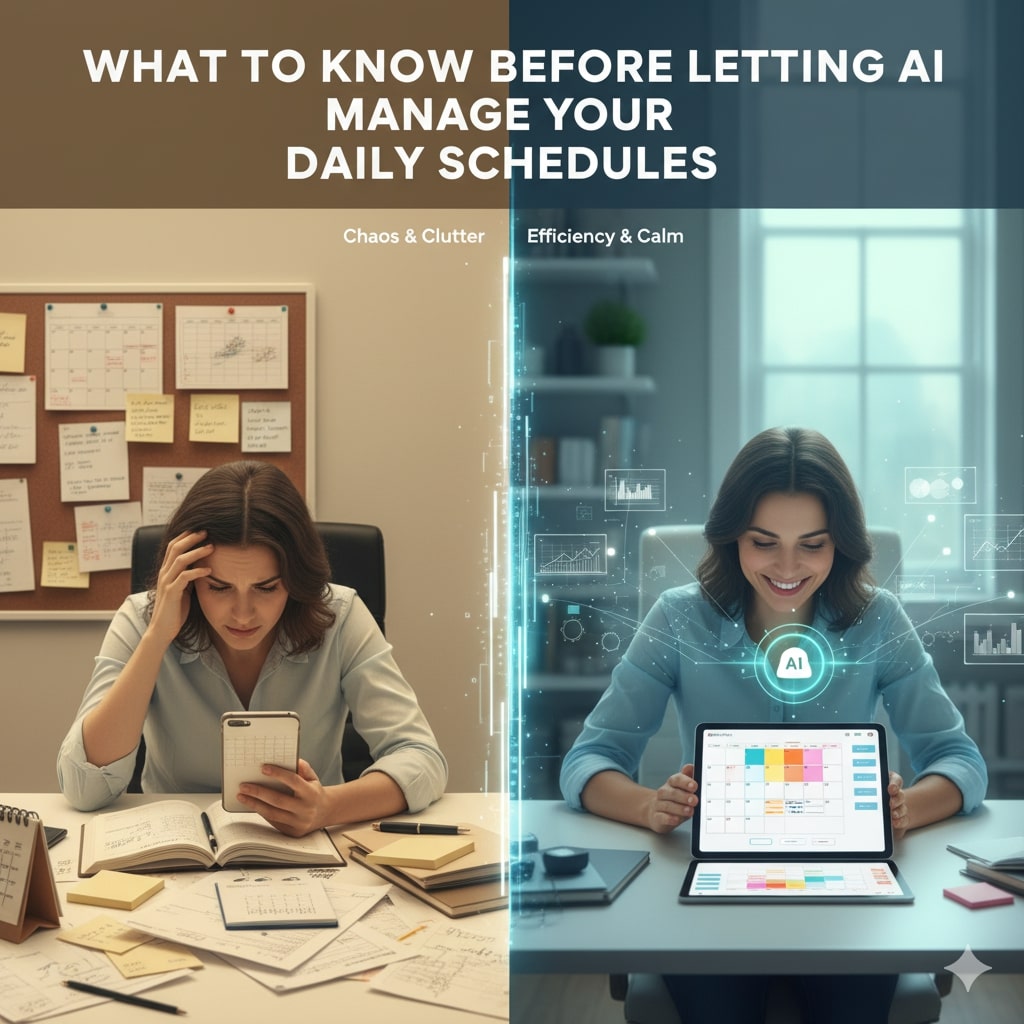
Artificial Intelligence (AI) has infiltrated many aspects of our lives, and managing daily schedules is no exception. From smart assistants that remind you of meetings to AI-powered calendar apps that optimize your time, technology promises to make organizing daily tasks effortless. However, before handing over your calendar to an algorithm, it is vital to understand both the benefits and the challenges involved. This article explores what you should know before letting AI manag your daily schedules, highlighting practical considerations, privacy concerns, and best practices.
The Growing Role of AI in Schedule Management
Over the past few years, AI-driven scheduling tools have gained popularity due to their ability to save time and reduce stress. Applications like Google Calendar’s AI features, Microsoft Outlook’s smart scheduling, and dedicated AI assistants such as x.ai or Clara have made intelligent scheduling more accessible.
Not only can these tools suggest optimal meeting times, but they can also prioritize tasks based on your habits, detect conflicting appointments, and even handle meeting rescheduling automatically. Thus, many professionals and busy individuals find it increasingly convenient to delegate their daily planning to AI.
Benefits of Letting AI Manage Your Schedule
Firstly, AI-powered scheduling reduces manual effort. It automatically synchronizes meetings across platforms, sends reminders, and adjusts plans in real time. Consequently, users spend less time organizing and more time focusing on meaningful work or relaxation.
Secondly, AI excels at analyzing patterns. By learning your preferences, preferred meeting times, and productivity peaks, it can suggest schedules that maximize efficiency. For example, it might identify that you work best in the mornings and cluster meetings accordingly, while leaving afternoons for deep work.
Moreover, AI can coordinate complex group scheduling. Finding a time that suits multiple participants is often challenging; AI tools rapidly analyze availability across calendars and propose optimal slots, saving hours of back-and-forth communication.
Potential Challenges and Risks
Despite these advantages, several risks deserve consideration before fully trusting AI with your schedule.
Privacy and Data Security Concerns
Since AI scheduling tools require access to sensitive personal and professional information, privacy is a critical issue. Your calendar might contain confidential meetings, client details, or personal events that must remain protected.
Therefore, it is essential to use trustworthy AI services with strong encryption and clear privacy policies. Additionally, consider whether your data will be shared with third parties or stored on the cloud. Using AI tools compliant with regulations such as GDPR or CCPA adds a further layer of safety.
Loss of Control and Over-Reliance
Another challenge is the possibility of losing control over your schedule. While AI can optimize time, it may not fully understand nuanced circumstances or sudden priorities. For instance, an AI might schedule meetings back-to-back without breaks, overlooking your need for rest or preparation time.
This risk underscores the importance of retaining manual oversight. AI tools should assist, not replace, your judgment. Monitoring the AI’s recommendations and adjusting as necessary prevents unwanted scheduling conflicts or stress.
Accuracy and Algorithmic Bias
AI scheduling relies on algorithms trained on historical data, which may sometimes produce errors or biased outcomes. For example, the system might prioritize meetings with frequent contacts but neglect emerging priorities from new collaborators.
Furthermore, AI might inadvertently perpetuate biases related to gender, culture, or seniority if its training data reflects such patterns. Therefore, it is wise to review and question AI-generated schedules regularly, ensuring diverse needs are met fairly.
Integration with Other Productivity Tool
Fortunately, many AI scheduling solutions integrate with other productivity apps such as task managers, email clients, and communication platforms. This integration allows for holistic management of your workflow, syncing deadlines, reminders, and communications automatically.
Hence, before selecting an AI scheduling tool, check for compatibility with your existing software ecosystem. This synchronization improves efficiency and reduces the risk of missed appointments or duplicated efforts.
Setting Clear Parameters and Preferences
To maximize AI effectiveness, users should set clear preferences and parameters. Most AI tools allow customization of working hours, preferred meeting lengths, buffer times between appointments, and priority rules.
By configuring these settings thoughtfully, your AI assistant can better tailor schedules to your specific lifestyle and work habits. For example, defining “do not disturb” periods or specifying days reserved for deep focus helps prevent AI from allocating meetings undesirably.
Practical Tips for Using AI Schedule Management Responsibly
In addition to technical considerations, adopting responsible practices enhances your experience with AI scheduling:
- Keep an eye on AI suggestions: Review and approve AI-generated plans rather than accepting them blindly.
- Regularly update preferences: Adjust AI parameters as your priorities or commitments change.
- Communicate boundaries clearly: Inform colleagues and collaborators about your scheduling preferences to avoid last-minute disruptions.
- Backup your data: Periodically export or back up calendars to guard against unexpected data loss or sync errors.
- Combine AI with human judgment: Use AI as a tool, but rely on your understanding of context for final decisions.
Case Study: AI Scheduling in Remote Work
The recent shift to remote work has accelerated AI adoption for schedule management. Remote teams often struggle with time zone differences and flexible hours, making meetings challenging to coordinate.
Here, AI-powered schedulers that automatically detect participants’ time zones and propose reasonable meeting times significantly reduce friction. Furthermore, integrated video conferencing links generated by AI streamline the process.
Nevertheless, employees caution against overloading calendars with back-to-back virtual meetings. Thus, companies encourage AI scheduling combined with human feedback to maintain work-life balance.
Ethical Considerations in AI Schedule Management
Beyond practicality, ethical questions emerge with AI-managed schedules. For example, if AI prioritizes meetings for senior executives over frontline staff, it may inadvertently reinforce workplace hierarchies or inequalities.
Moreover, users must consider how much data they are willing to share with AI systems. Transparency about algorithm operations and user consent remains vital.
Organizations should also establish policies guiding responsible AI use in scheduling to promote fairness and respect individuals’ time boundaries.
The Future of AI in Scheduling
Looking forward, AI scheduling tools will become even smarter by incorporating context-awareness, emotion recognition, and predictive analytics. This evolution will enable AI to anticipate user needs proactively, suggest wellness breaks, and even manage team dynamics.
For instance, an AI might detect stress signals in communication patterns and recommend reducing meeting load. Alternatively, it might balance team members’ calendars to optimize collaboration and prevent burnout.
However, these advancements require continuous ethical oversight and transparency to ensure AI remains a helpful, rather than intrusive, companion.
Conclusion
Letting AI manage your daily schedules offers substantial benefits, including time savings, efficiency, and improved coordination. However, understanding the limitations and risks of AI scheduling is equally important. Privacy concerns, loss of control, algorithmic biases, and ethical dilemmas require cautious consideration.
Consequently, users should approach AI scheduling as a collaborative tool—one that works alongside, not replaces, human judgment. By setting clear preferences, monitoring AI decisions, safeguarding data, and advocating transparency, you can unlock AI’s potential to streamline your life responsibly.
In this way, AI scheduling becomes a powerful assistant that enhances your productivity without compromising privacy or autonomy.