





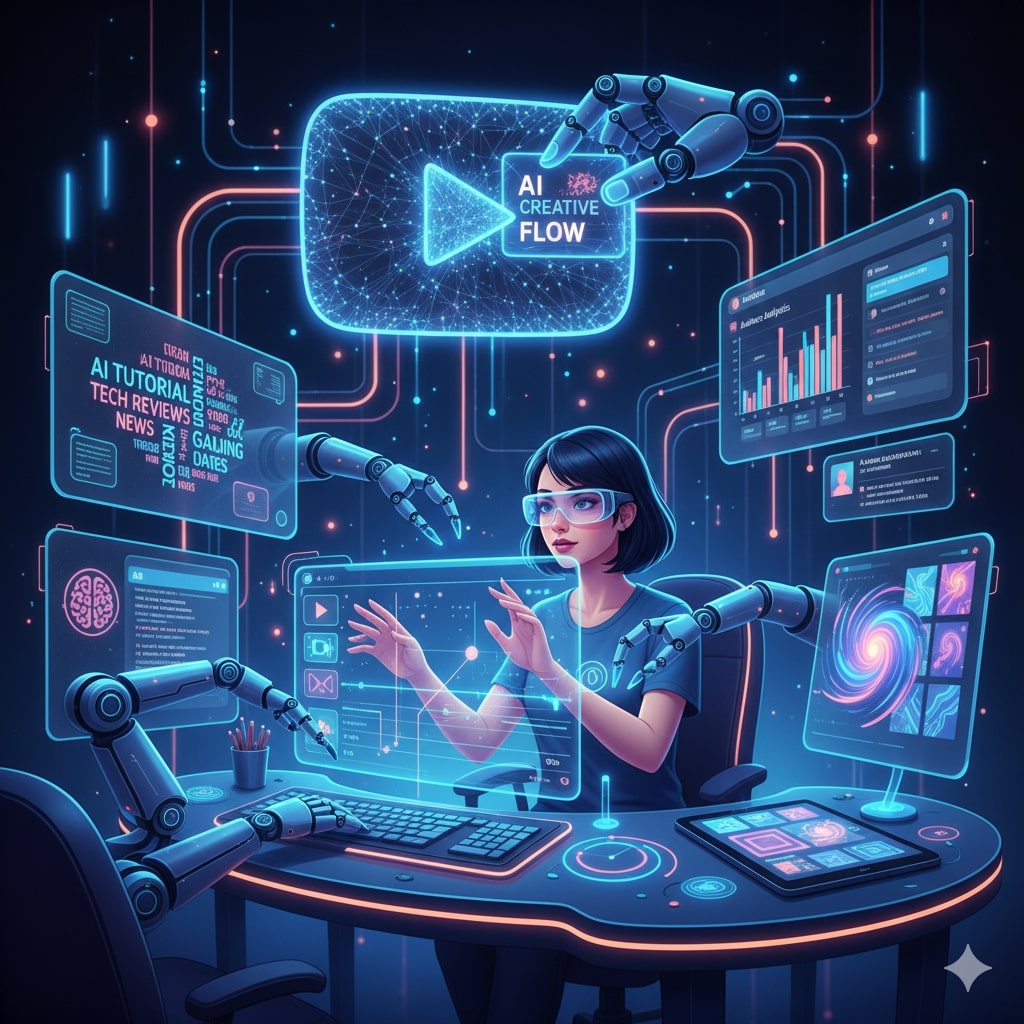
Artificial Intelligence (AI) has emerged as an invaluable ally for content creators, particularly on visual platforms like YouTube. Whether it’s generating video scripts, editing footage, optimizing metadata for discoverability, or analyzing audience behavior, AI streamlines workflows and boosts productivity. For creators facing the pressure of maintaining consistent uploads while standing out in a crowded space, AI tools offer capabilities that supplement creativity with automated precision.
Unlike traditional content creation, integrating AI is not about replacing human input but enhancing it. By automating repetitive and time-consuming tasks, creators can devote more energy to storytelling, concept development, and engagement strategies. However, it’s essential to balance automation with authenticity, preserving a unique voice that resonates with viewers.
Benefits of Using AI for YouTube Creators
The adoption of AI in YouTube production offers numerous advantages:
- Increased efficiency: AI can quickly generate content ideas, scripts, and rough video edits, reducing the many hours spent on manual preparation.
- Consistency: Automated processes help creators maintain regular posting schedules, avoiding gaps that might negatively impact channel growth.
- Improved SEO: AI tools analyze trending keywords, optimize titles, descriptions, and tags to maximize video visibility in search results.
- Enhanced creativity: AI generates fresh ideas and perspectives, nudging creators out of creative ruts without taking over their content.
- Data-driven insights: AI analytics track audience engagement, viewing patterns, and preferences, helping creators tailor their content for better retention and growth.
Key AI Tools for YouTube Content Creation
Various AI-powered tools support different aspects of the content creation journey:
- Scriptwriting and Idea Generation: Platforms like Jasper AI, ChatGPT, and Copy.ai generate video scripts, brainstorm titles, or formulate video concepts based on input keywords or themes.
- Video Editing: Tools such as Pictory, Lumen5, and Adobe Premiere Pro’s Sensei automate editing tasks, including cutting scenes, adding transitions, captions, and even generating video from text.
- SEO Optimization: TubeBuddy and VidIQ analyze metadata and recommend keyword improvements that align videos with trending search terms on YouTube.
- Thumbnail Creation: AI design tools like Canva utilize templates and AI suggestions to help create eye-catching thumbnails rapidly.
- Voiceovers and Dubbing: AI-generated voice synthesis tools such as Murf.ai allow creators to generate professional-quality voiceovers without recording audio manually.
- Audience Analytics: Platforms harness AI to provide deep insights on viewer demographics, watch time, and engagement trends, enabling smarter content decisions.
Step-by-Step Workflow for AI-Assisted YouTube Content Creation
- Topic Research & Idea Validation: Start by using AI to research trending topics within your niche. Tools can suggest angles based on current viewer interest, competition, and keyword performance.
- Script Generation: Use AI writing assistants to draft detailed video scripts. Input your topic or outline to get a coherent base script that you can customize with your style and personality.
- Video Production: AI-based video editors simplify assembling your footage or images. They can automatically trim clips, suggest flow improvements, and overlay text or captions to make videos more engaging and accessible.
- Thumbnail and Title Optimization: Generate multiple thumbnail options and catchy titles using AI tools that analyze which elements attract more clicks.
- SEO and Metadata Optimization: Employ AI-driven SEO tools to refine your video description, tags, and keywords, boosting discoverability in YouTube search algorithms.
- Publish & Promote: Schedule your optimized video for release and use AI to tailor promotional content for social media sharing, ensuring broader reach.
- Analyze & Iterate: After publishing, rely on AI analytics to track performance metrics and audience feedback. Adjust content strategy based on these insights to improve future videos.
Tips for Balancing Automation and Creativity
While AI can handle technical and routine tasks, creators must:
- Personalize scripts and edits to retain authentic voice and connection with viewers.
- Use AI ideas as inspiration, not as prescriptions, to keep content fresh and original.
- Maintain a human touch in video presentation and engagement, especially in calls to action and community interaction.
- Review AI-generated content thoroughly to ensure factual accuracy and message clarity.
Future of AI in YouTube Content Creation
The future promises even deeper integration of AI functionalities such as real-time video content suggestions, emotion analysis for better audience connection, and hyper-personalized video recommendations. As AI evolves, it will become an indispensable partner, helping creators handle increasing audience expectations and technological complexity.
Conclusion
AI technology in YouTube content creation is a powerful enabler, saving time and enhancing output quality without compromising uniqueness. Creators who effectively blend AI tools with their creativity can expect to produce engaging videos more consistently, reach wider audiences, and grow their channels intelligently. Embracing AI means not just working harder but also working smarter.