





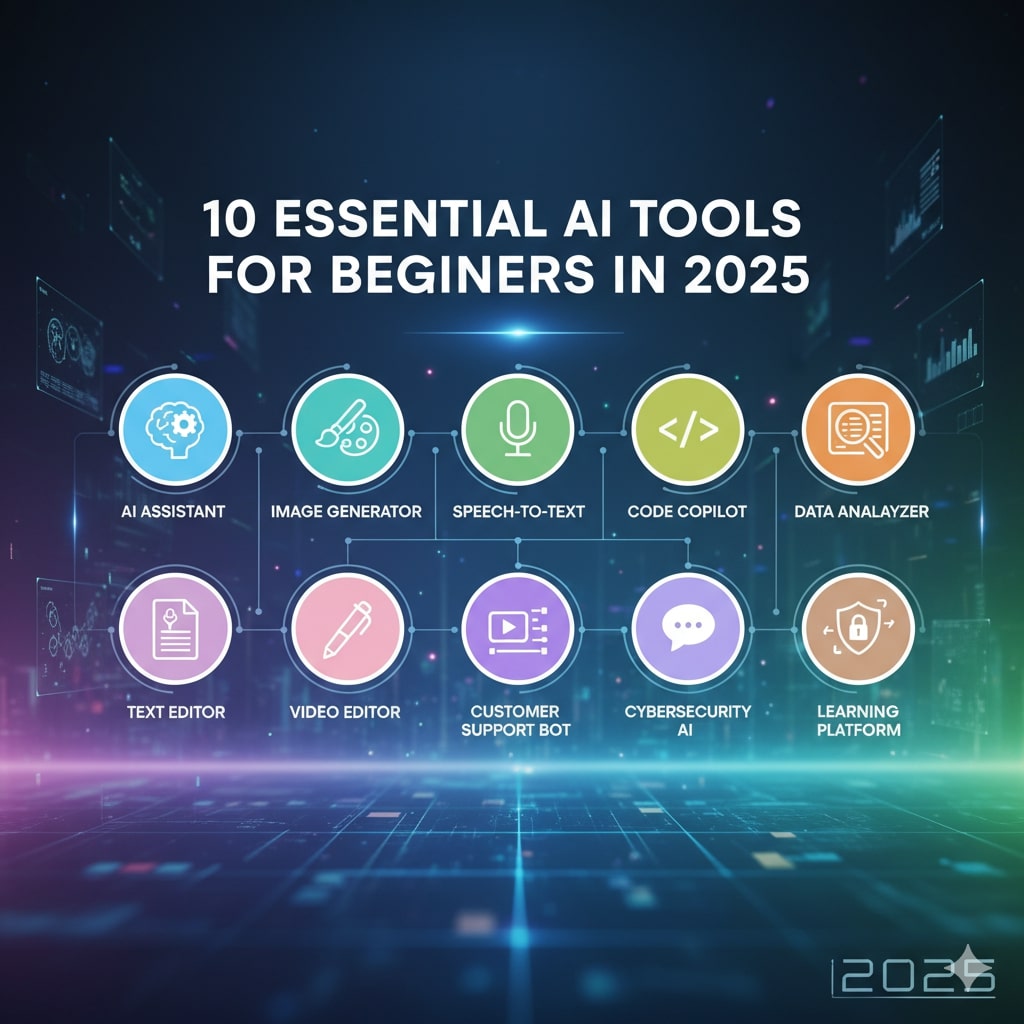
In the rapidly evolving landscape of 2025, artificial intelligence (AI) has transitioned from a futuristic concept to an everyday ally, empowering individuals across all walks of life to achieve more with less effort. Whether you’re a student tackling complex assignments, a professional streamlining your workflow, or a creative enthusiast exploring new ideas, AI tools are democratizing access to advanced capabilities that once required years of expertise. According to recent industry analyses, professionals who integrate AI into their routines save an average of seven hours per week on routine tasks, reclaiming time for innovation and personal growth. This isn’t just about efficiency; it’s about leveling the playing field. Beginners, in particular, stand to benefit the most, as many of these tools feature intuitive interfaces, free tiers and guided tutorials that eliminate steep learning curves.
The AI ecosystem in 2025 is vast, with over 45 standout tools spanning categories like content generation, productivity and media creation. But sifting through the noise can be overwhelming. That’s why we’ve curated this list of the 10 essential AI tools tailored specifically for beginners. Our selection is based on user-friendliness, accessibility, real-world impact and positive feedback from early adopters. Each tool is evaluated for its ease of entry—no coding required—and potential to spark immediate value. From conversational assistants that answer queries in plain English to image generators that turn text into visuals, these tools will help you build confidence in AI while delivering tangible results.
As we dive in, remember: the key to mastering AI isn’t perfection but experimentation. Start small, iterate, and watch how these tools amplify your unique strengths. By the end of this article, you’ll have a roadmap to integrate AI seamlessly into your daily life, setting you up for success in an AI-driven world.
1. ChatGPT: Your Versatile Conversational Companion
Kicking off our list is ChatGPT, OpenAI’s flagship large language model that’s become synonymous with accessible AI. In 2025, its latest iteration, powered by GPT-5, offers even more nuanced responses, handling everything from brainstorming ideas to drafting emails with remarkable accuracy. For beginners, ChatGPT shines because of its simple chat interface—think of it as texting a super-smart friend.
What makes it essential? Its versatility. Need help explaining quantum physics like you’re five? ChatGPT can simplify it. Struggling with a resume? It generates tailored suggestions. The free tier provides unlimited basic access, while the Plus plan ($20/month) unlocks faster responses and advanced features like image analysis. Beginners can start with prompts like “Explain [topic] step-by-step for a newbie” to build skills gradually.
Real-world example: A college student used ChatGPT to outline a research paper, saving hours of writer’s block and earning an A for structure. With integrations into apps like Microsoft Word, it’s a gateway drug to AI productivity. Potential drawback? It can occasionally hallucinate facts, so always cross-verify. Overall, ChatGPT is the perfect entry point, fostering curiosity without intimidation.
2. Google Gemini: The Search-Infused AI Powerhouse
Google’s Gemini has evolved dramatically by 2025, blending seamless search capabilities with multimodal AI that processes text, images and code. Unlike traditional search engines, Gemini doesn’t just list links—it synthesizes information into concise, actionable insights. For beginners, its integration with Google Workspace (Docs, Sheets, etc.) makes it feel like an extension of tools you already know.
Why is it essential for novices? Gemini excels at real-time learning. Upload a photo of a math problem, and it solves it with explanations; query “best beginner workout plan and it tailors one based on your fitness level. The free version via Google AI Studio offers generous quotas, ideal for experimentation, while premium access ($10/month) adds priority support.
Consider this: A small business owner queried Gemini for “simple marketing strategies for Etsy sellers,” receiving a customized plan with templates and A/B test ideas. This tool’s strength lies in its reliability—drawing from Google’s vast index reduces errors. Beginner’s tip: Use the “Browse for me” feature in Arc Search integration for deeper dives. In a world of information overload, Gemini cuts through the clutter effortlessly.
3. Perplexity AI: The Research Assistant That Cites Sources
Perplexity AI stands out in 2025 as the go-to tool for fact-checked research, combining the conversational flow of ChatGPT with rigorous sourcing. It uses a mix of search engines and proprietary signals to deliver answers with inline citations, making it a beginner’s dream for academic or professional inquiries.
Essential because beginners often fear misinformation, but Perplexity builds trust by linking every claim to verifiable sources. Ask about climate change trends and it provides a summary with graphs and references. Free access includes unlimited quick searches, with Pro ($20/month) enabling complex threads and file uploads.
A marketing newbie used Perplexity to compile competitor analysis, pulling data from 50+ sites in minutes—complete with visuals. Its “Threads” feature lets you follow up without losing context, perfect for iterative learning. Drawback: It shines more in factual queries than creative ones. For anyone dipping toes into AI research, Perplexity turns overwhelming info into empowering knowledge
4. Grammarly: The Writing Coach in Your Pocket
Grammarly has transcended basic spell-check in 2025, evolving into an AI-powered writing enhancer that suggests tone adjustments, clarity improvements and even full rewrites. Integrated across browsers and apps, it’s invisible yet indispensable for beginners crafting emails, essays, or social posts.
Why beginners love it: No steep setup—just paste text and watch magic happen. It scores readability and offers “explain like I’m a beginner” tips. The free version covers essentials; Premium ($12/month) adds plagiarism checks and generative rewrites.
Example: A job seeker refined their cover letter with Grammarly, boosting engagement scores from 65% to 92% and landing interviews. It’s especially valuable for non-native speakers, providing cultural nuance. Pro tip: Enable the AI prompt for “Make this more persuasive” to level up quickly. In an era where communication is king, Grammarly ensures your words hit home.
5. Canva Magic Studio: Design Without the Drama
Canva’s Magic Studio suite leverages AI to make graphic design accessible, turning beginners into pros with text-to-image generation and auto-edits. In 2025, features like Magic Design create full layouts from a single prompt, ideal for social media or presentations.
Essential for creatives starting out: Drag-and-drop simplicity meets AI smarts—no Photoshop skills needed. The free tier includes core tools; Pro ($15/month) unlocks unlimited generations.
A teacher designed engaging lesson slides in under 10 minutes using “Create a vibrant infographic on photosynthesis,” impressing students. It auto-suggests color schemes and fonts based on trends. Minor con: Watermarks on free exports. For visual storytelling, Magic Studio democratizes design like never before
6. GitHub Copilot: Coding Made Approachable
Even if you’ve never coded, GitHub Copilot in 2025 lowers the barrier with AI autocomplete that suggests entire functions from comments. Integrated into VS Code, it’s like having a programmer mentor.
Beginner appeal: Start with “Write a simple Python script to calculate tips and it generates editable code with explanations. Free for individuals; $10/month for advanced features.
A hobbyist built their first web app—a recipe finder—in a weekend, learning as they went. It supports multiple languages, reducing syntax frustration. Caution: Review suggestions for security. Copilot turns “I can’t code” into “I just did.”
7. Description: Effortless Audio and Video Editing
Descript revolutionizes media editing in 2025 by letting you “edit like a doc”—transcribe, then tweak text to alter audio/video. Perfect for podcasters or YouTubers starting out.
Why it’s essential: AI removes filler words and generates overdubs in your voice. Free plan for basics; $12/month for unlimited.
A beginner vlogger cut a 20-minute video to 10 with one click, adding captions automatically. Its Overdub feature fixes flubs seamlessly. Ideal for content creators avoiding complex software.
8. Synthesia: Instant Video Creation
Synthesia creates professional videos from text using AI avatars, bypassing filming hassles. In 2025, multilingual support and custom avatars make it a beginner’s boon for tutorials or marketing.
Key for novices: Input script, choose avatar—done. Free trial; $22/month starter.
An entrepreneur produced a product demo in hours, boosting conversions 30%. Ethical note: Disclose AI use. It’s video production, simplifie
9. NotebookLM: Your Personal Study Buddy
Google’s NotebookLM, powered by Gemini, summarizes notes, PDFs and videos into interactive guides. 2025 updates include audio overviews like podcasts.
Beginner-friendly: Upload materials, query insights. Completely free.
Students created study pods from lectures, improving retention 40%. It connects dots across sources effortlessly.
10. Fireflies.ai: Meeting Mastery
Fireflies.ai records, transcribes and summarizes meetings across platforms. In 2025, AI action item extraction saves post-meeting drudgery.
Essential: Auto-joins calls, searchable transcripts. Free for 800 minutes; $10/month for pro.
A remote worker recapped weekly syncs, never missing tasks. Integrates with Slack for seamless follow-ups.
Conclusion
These 10 AI tools represent the best of 2025’s beginner ecosystem: accessible, impactful and fun. Start with one—perhaps ChatGPT for daily queries—and expand as confidence grows. The future isn’t about replacing humans but augmenting them. Experiment boldly; the AI revolution rewards the curious. What’s your first tool? Dive in and discover.